
Easify V4 is no longer supported and has been superseded by Easify V5.
Finance - Reconciliations
Reconciliations Window
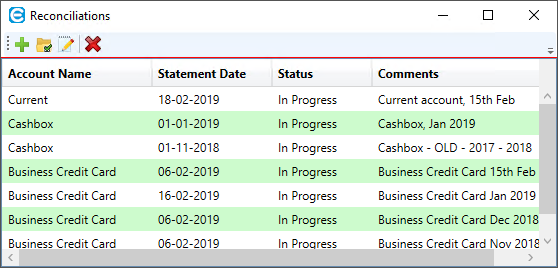
Here you will find a list of your current reconciliations (if any) and related options in the top menu bar. These options are explained below.
-
 Start a new Reconciliation.
-
 Single click on a Reconciliation in the list and then click this icon to open it.
-
 Single click on an In Progress Reconciliation in the list and then click this icon to open the settings for this Reconciliation.
-
 Single click on a Reconciliation in the list and then click this icon to delete it. You will only be able to delete In Progress Reconciliations - once a reconciliation is Completed you will not be able to delete it.
